All PDF Tools
Click any tool to get started instantly — no sign up needed
Merge PDF
Combine multiple PDFs into one file easily
Use Tool → OrganizeSplit PDF
Separate PDF into multiple files by page range
Use Tool → OrganizeRemove Pages
Delete unwanted pages from your PDF
Use Tool → OrganizeExtract Pages
Extract specific pages as a new PDF
Use Tool → OrganizeOrganize PDF
Reorder and rearrange PDF pages visually
Use Tool → ConvertJPG to PDF
Convert images JPG PNG WEBP to PDF
Use Tool → ConvertWord to PDF
Convert DOC DOCX Word files to PDF
Use Tool → ConvertExcel to PDF
Convert XLS XLSX spreadsheets to PDF
Use Tool → ConvertPPT to PDF
Convert PowerPoint PPT PPTX to PDF
Use Tool → ConvertHTML to PDF
Convert HTML web pages to PDF
Use Tool → ConvertPDF to Word
Convert PDF to editable DOCX Word
Use Tool → ConvertPDF to JPG
Extract pages as JPG images
Use Tool → ConvertPDF to Excel
Extract tables to XLSX spreadsheet
Use Tool → ConvertPDF to PPT
Convert PDF to PowerPoint slides
Use Tool → OptimizeCompress PDF
Reduce PDF file size without losing quality
Use Tool → OptimizeRepair PDF
Fix corrupted PDF files instantly
Use Tool → EditEdit PDF
Add text and annotations to PDF files
Use Tool → EditRotate PDF
Rotate pages to correct orientation
Use Tool → EditAdd Watermark
Add text or image watermarks to PDF
Use Tool → EditPage Numbers
Add custom page numbers to PDF
Use Tool → SecurityProtect PDF
Add password protection to your PDF
Use Tool → SecurityUnlock PDF
Remove password from protected PDF
Use Tool → SecuritySign PDF
Digitally sign your PDF documents
Use Tool → SecurityRedact PDF
Black out sensitive information
Use Tool → AIOCR PDF
Extract text from scanned PDFs with AI
Use Tool → AICompare PDF
Compare two PDFs and find differences
Use Tool →How It Works
Three simple steps to get your PDF work done
Upload File
Select or drag & drop your PDF file to our platform
Process
Our engine instantly processes your file with high accuracy
Download
Download your processed file — ready to use!
Why Choose PDFMagic?
Made for everyone — from students to professionals
100% Secure
Your files are encrypted with SSL and auto-deleted within 2 hours. Privacy is our priority.
Super Fast
Optimized servers ensure instant processing. No waiting in queues, no delays.
Completely Free
All 20+ tools are free forever. No hidden fees, no subscriptions, no limits.
Works Everywhere
Use on any device — Windows, Mac, Linux, Android, iOS. No installation needed.
No Watermarks
Clean output every time. We never add watermarks or branding to your files.
Made for India
Optimized servers for low latency in India. Support for regional languages.
Latest from Our Blog
Tips, tricks, and guides for PDF management
iLovePDF Alternative — Why PDFMagic is Better
Discover why PDFMagic is the best free alternative to iLovePDF for Indian users.
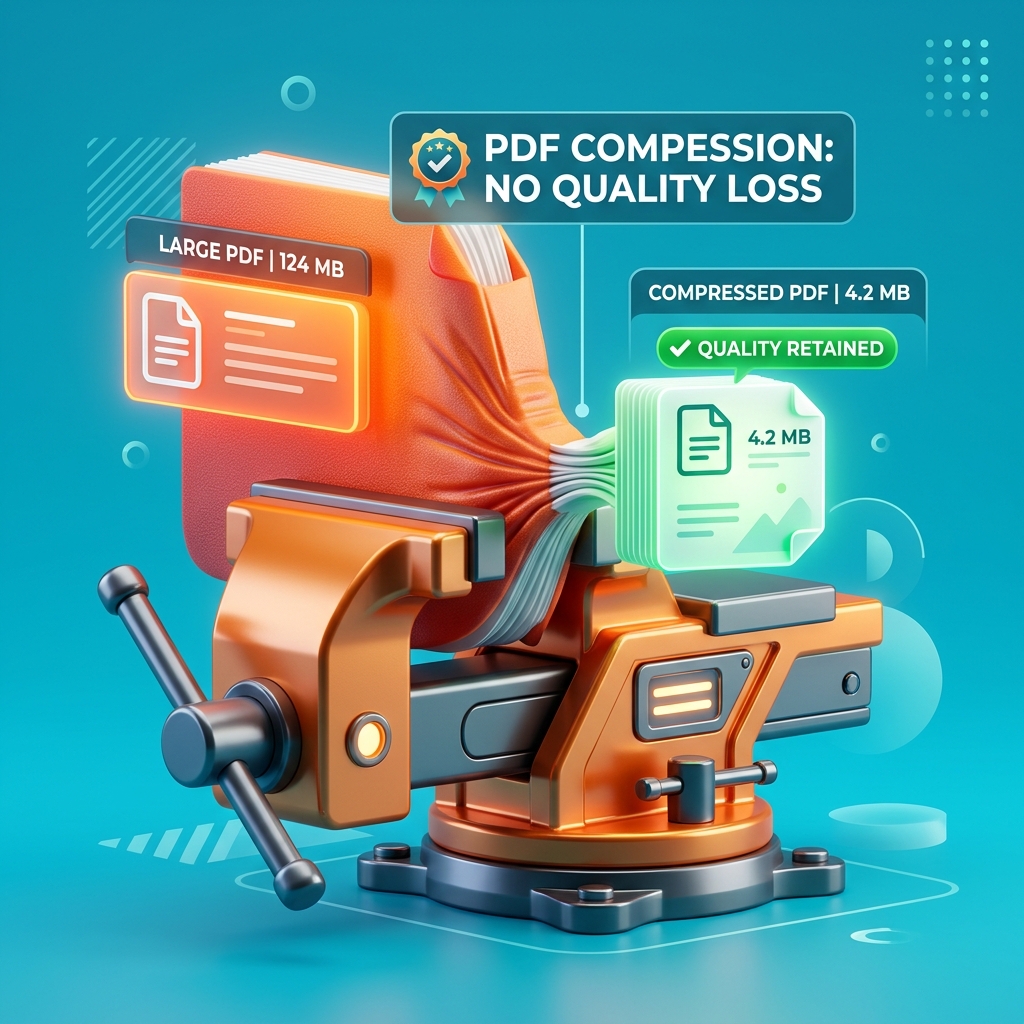
How to Compress PDF Without Losing Quality
Complete guide to reducing PDF file size without sacrificing quality.
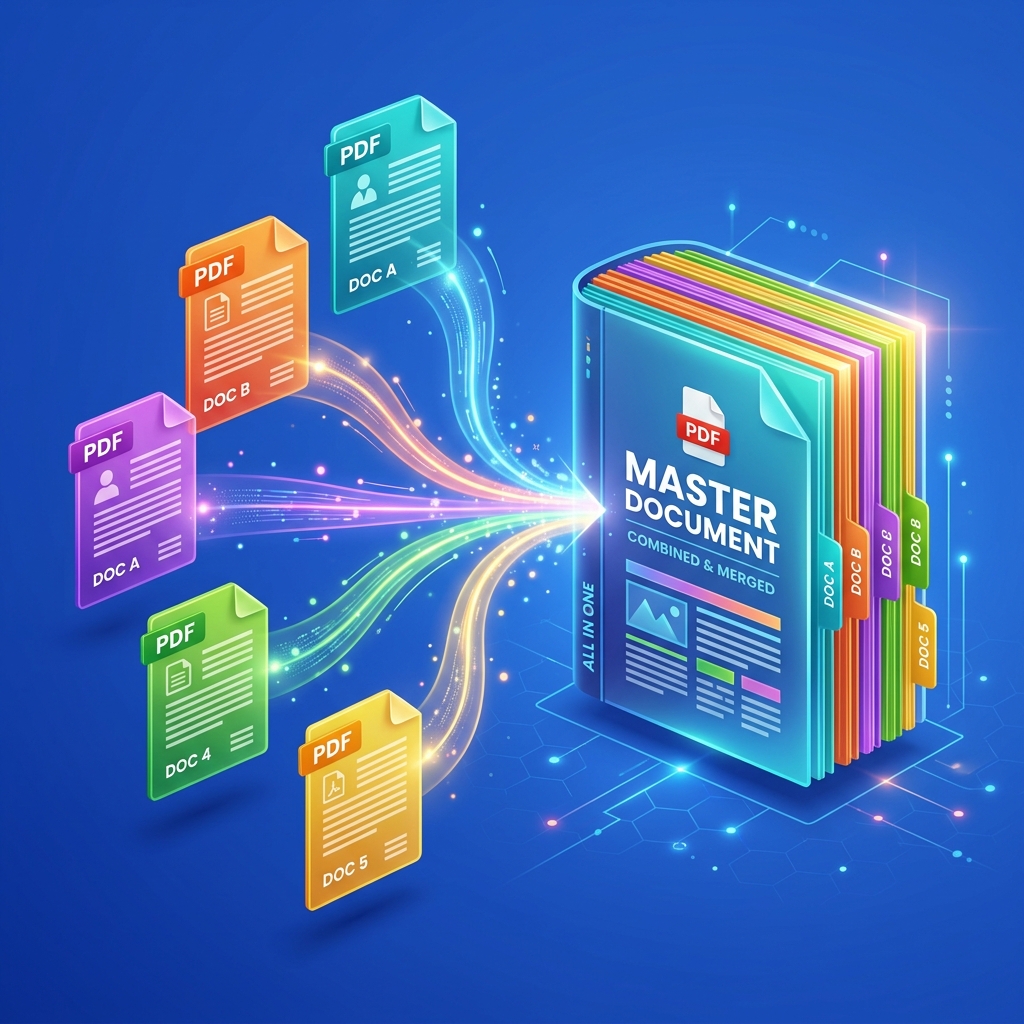
PDF Merge Kaise Kare? — Complete Hindi Guide
Step-by-step guide on merging PDF files explained in Hindi.
Frequently Asked Questions
Everything you need to know about PDFMagic
Loved by 5 Million+ Users
Real reviews from real users across India
"Merge PDF karna itna aasan ho gaya! Pehle Adobe ke liye paise dene padte the, ab bilkul free mein ho jaata hai. Best tool ever!"
"I use this daily for compressing PDFs before sending to clients. The quality is maintained perfectly. Highly recommend to everyone!"
"iLovePDF se bahut better hai ye! No ads, no limit, no signup. Mera sab kaam yahi se hota hai — PDF split, merge sab kuch!"
"As a teacher, I need to combine worksheets daily. PDFMagic saves me so much time. Clean interface, fast processing!"
"PDF to Word conversion is so accurate! I was amazed. No watermarks, no quality loss. Bohot achha tool hai bhai!"
"Apni government documents compress karni thi file size ke liye — 5 seconds mein ho gaya! India ka best PDF tool!"
"Merge PDF karna itna aasan ho gaya! Pehle Adobe ke liye paise dene padte the, ab bilkul free mein ho jaata hai. Best tool ever!"
"I use this daily for compressing PDFs before sending to clients. The quality is maintained perfectly. Highly recommend to everyone!"
"iLovePDF se bahut better hai ye! No ads, no limit, no signup. Mera sab kaam yahi se hota hai — PDF split, merge sab kuch!"
"JPG to PDF conversion is flawless! My scanned documents look crystal clear. This replaced 3 apps I was using before."
"Exam admit card PDF ko compress kiya — from 4MB to 400KB bina quality loss ke! Parents ko WhatsApp pe bhejna easy ho gaya!"
"Our startup uses this for all PDF operations. Super reliable, zero downtime. Customer support is also excellent!"
"Been using it for 6 months. Never had any issue. PDF merger, splitter, compressor — sab kaam perfectly karta hai!"
"Watermark PDF feature saved me! Added my company logo to 50 documents in one go. Absolute time saver!"
"JPG to PDF conversion is flawless! My scanned documents look crystal clear. This replaced 3 apps I was using before."
"Exam admit card PDF ko compress kiya — from 4MB to 400KB bina quality loss ke! Parents ko WhatsApp pe bhejna easy ho gaya!"